
Manual and external links
Beyond the automatic SYNC flow, you can create a link from any word or phrase to any destination, internal or external. This is the escape hatch for every case the focus keyword does not cover.
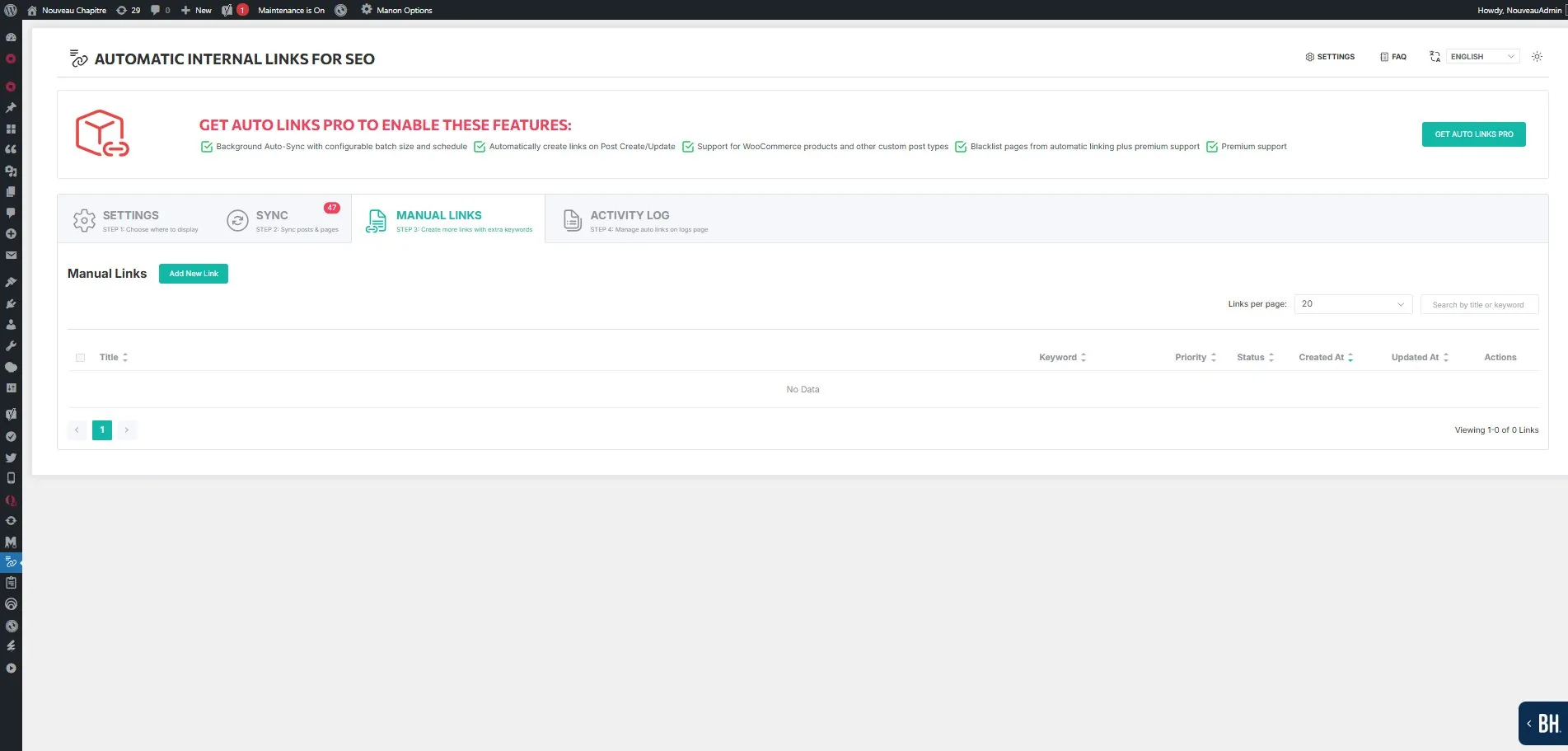
Internal custom links
Select an existing page, post or product as the destination, then define the keyword that should trigger the link when found in your content.
The plugin applies the same replacement logic as the automatic SYNC: it scans through the the_content filter and injects at render time. Nothing is written into your posts.
When you need this. The clearest case is when a page's focus keyword is not the phrase you want in the text. If the focus keyword is digital marketing agency but you also want marketing team to link there, a manual link does it without touching the keyword layer.
The second case is a different anchor for the same destination: the Partial Match setting widens matching inside words, it does not rephrase. A manual link is how you get a genuinely different wording.
External custom links
Toggle Custom URL and enter the destination manually. You define the URL, the title, the keyword and the link attributes.
External links to authoritative, stable resources strengthen the topical context of a page. The plugin creates them with the same keyword matching logic as internal ones.
Recommended practice:
- One external authority link per page, at most.
- Always set NoFollow on external links, to preserve internal link equity.
- Target stable URLs that are unlikely to move.
Per-link settings
Every manual link carries its own values: new tab, nofollow, partial match, bold anchor, case sensitivity, priority and max links per page. Each is documented in matching rules.
That granularity is the reason manual links exist. It is also what Global Override removes.
Global Override
When Enable Override is activated, the global settings for Max Links, New Tab, Nofollow, Partial Match, Bold Anchor and Case Sensitive apply to all links, both SYNC-generated and manual.
Enable it when you want one consistent linking policy across the site. Set the rules once instead of configuring each link.
Keep it disabled when different parts of your site need different behaviour. The usual example: external links with nofollow, internal links without. Override cannot express that distinction, because it applies one value everywhere.
After changing a manual link
Rules are applied at render time, but query results are cached. Clear the plugin's transient cache from the Sync tab so the change appears immediately. See cache and performance.
Read next
- How it works — the render-time mechanism
- Matching rules — the six settings, one by one
- Controlling what gets linked — the four levels of exclusion
- Anchor text guide — choosing an anchor worth writing